
A place for what catches your eye
See it.
Share it.
Hord it.
A minimal, intelligent visual library for the things worth keeping.
Save from the apps you already use. Find it later, without a complicated filing system.

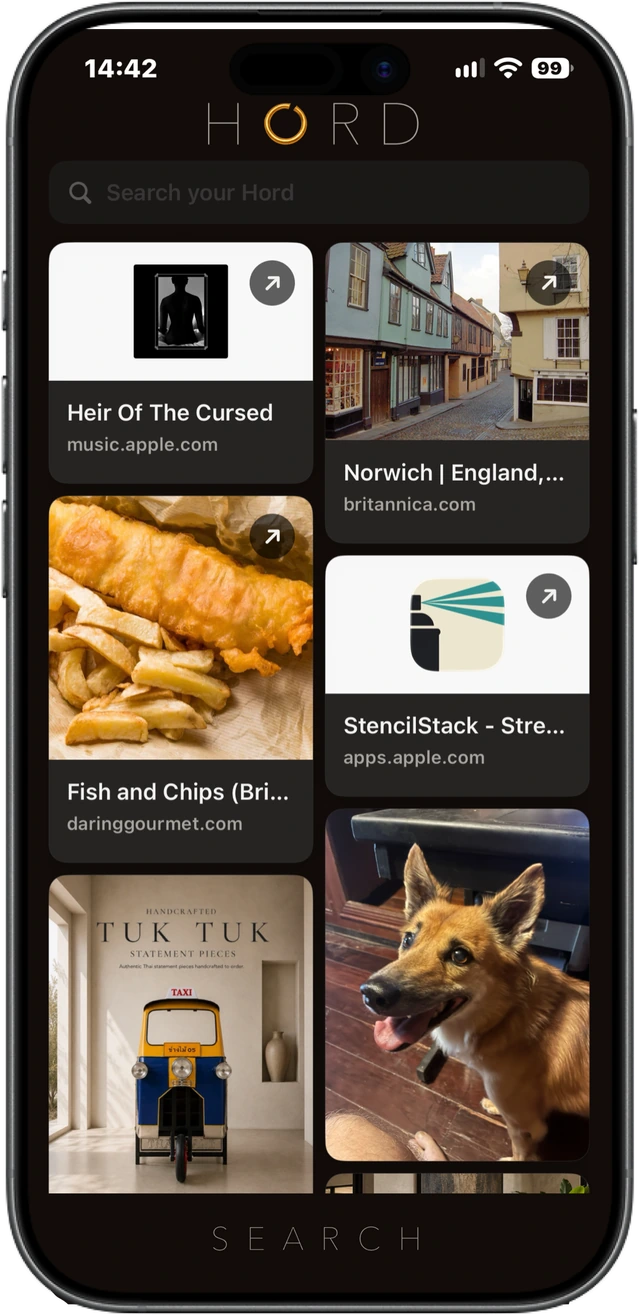
01 / Save it
Worth keeping?
Share it to Hord.
Save links, photos, text, documents and more from apps that share compatible content through Apple’s Share Sheet. Choose Hord and carry on.
You don’t need to pick a folder or add a tag before you save.
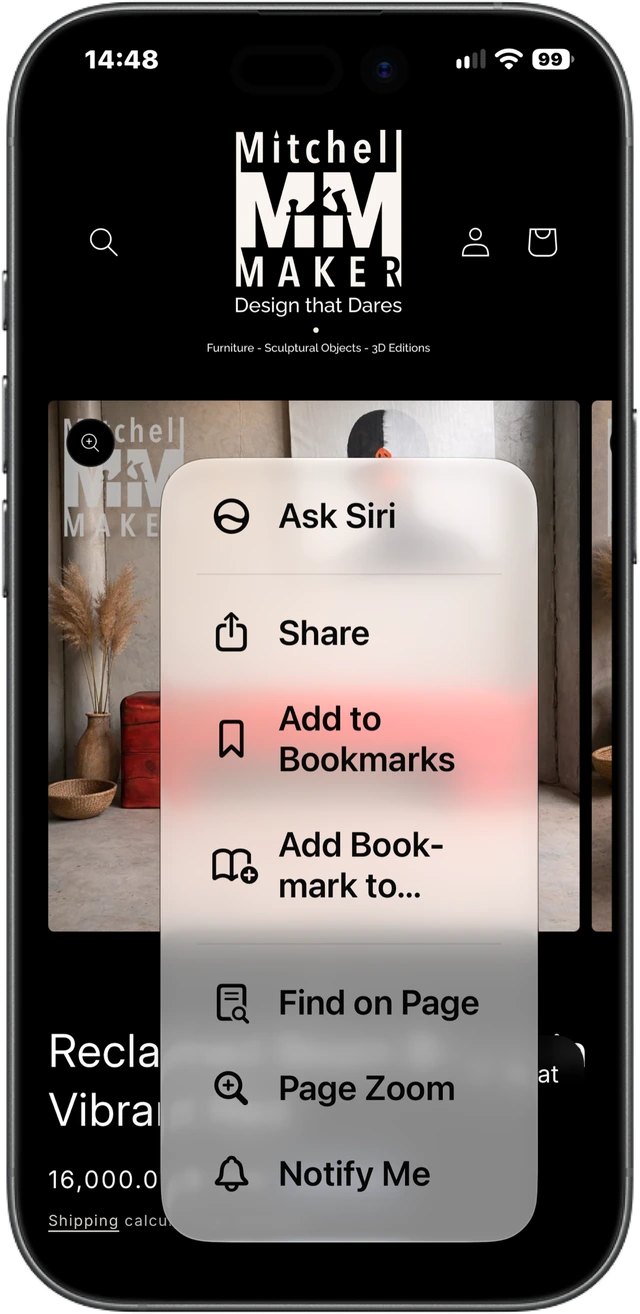
02 / Let it make connections
Words and images.
More to find it by.
Hord uses text and visual information in supported saved content to make it easier to find again. Words in a screenshot. Recognisable subjects in a photo. Useful clues in a document.
Content understanding happens on your device using Apple technologies.
Enhanced text understanding depends on device eligibility and Apple Intelligence availability. Analysis varies with the content; semantic search currently uses an English model.
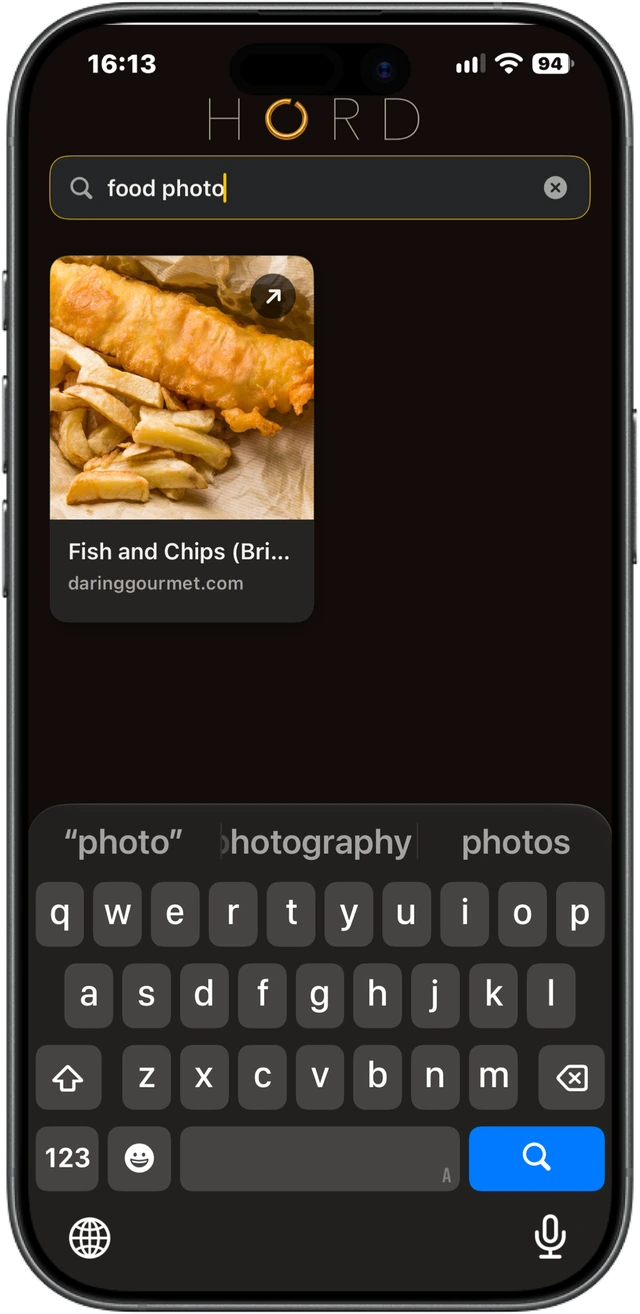
03 / Find it later
Find it from
what you remember.
A subject. A few words. Where it came from. Search your Hord with the clues you have, without relying on an exact filename.
No manual folders or tags to maintain. Just the things you saved, ready to look through or search.
About search and processing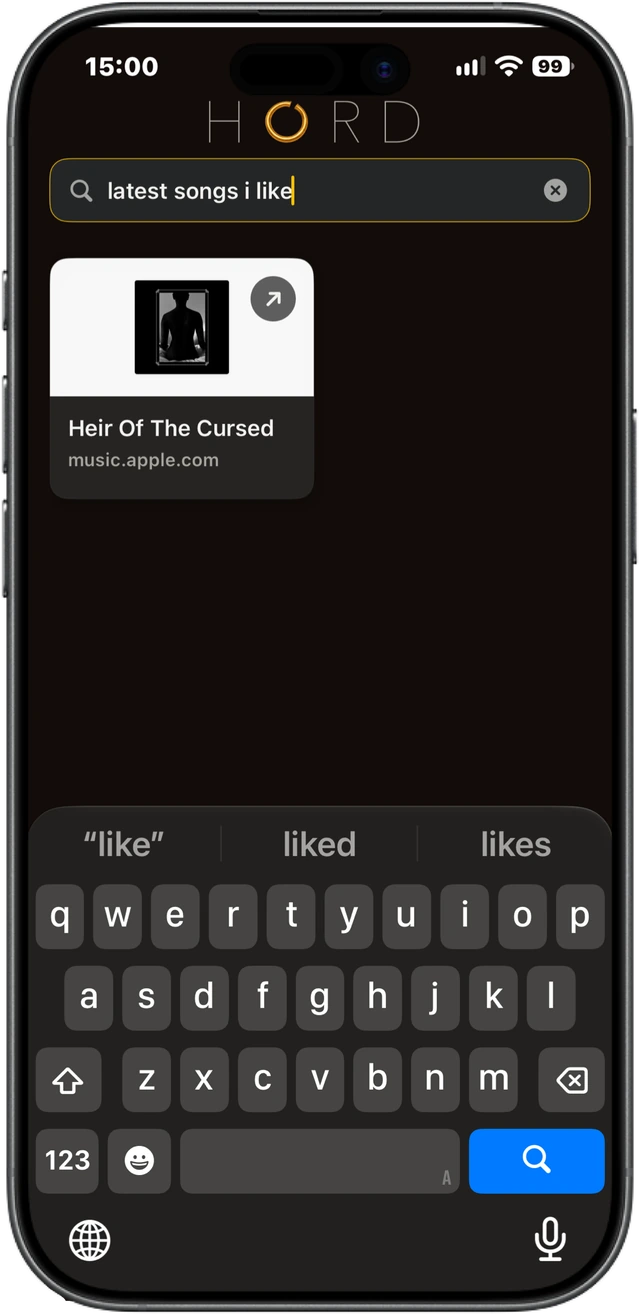
One visual library
Different things.
The same place.
Links, photos, screenshots, PDFs and documents can live together in Hord, alongside compatible audio, video and other file captures.
What can be saved depends on the content each app shares. Understanding and previews are available for supported content.
Across your devices
Saved on iPhone.
Found on iPad.
Hord uses your iCloud account and Apple’s private CloudKit database to synchronise supported saved content between iPhone and iPad.
Sync requires iCloud to be available. It can take time or pause, and some captures may not be eligible to sync.
Help with iCloud sync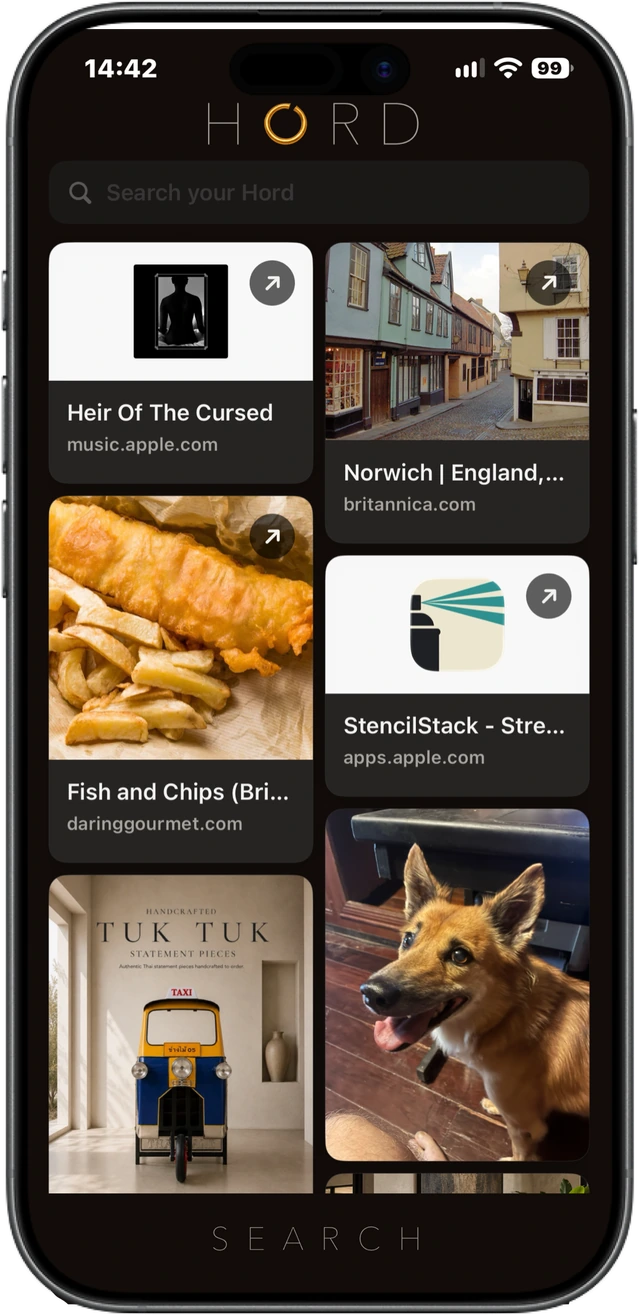
Keep the connection
Back to
the original.
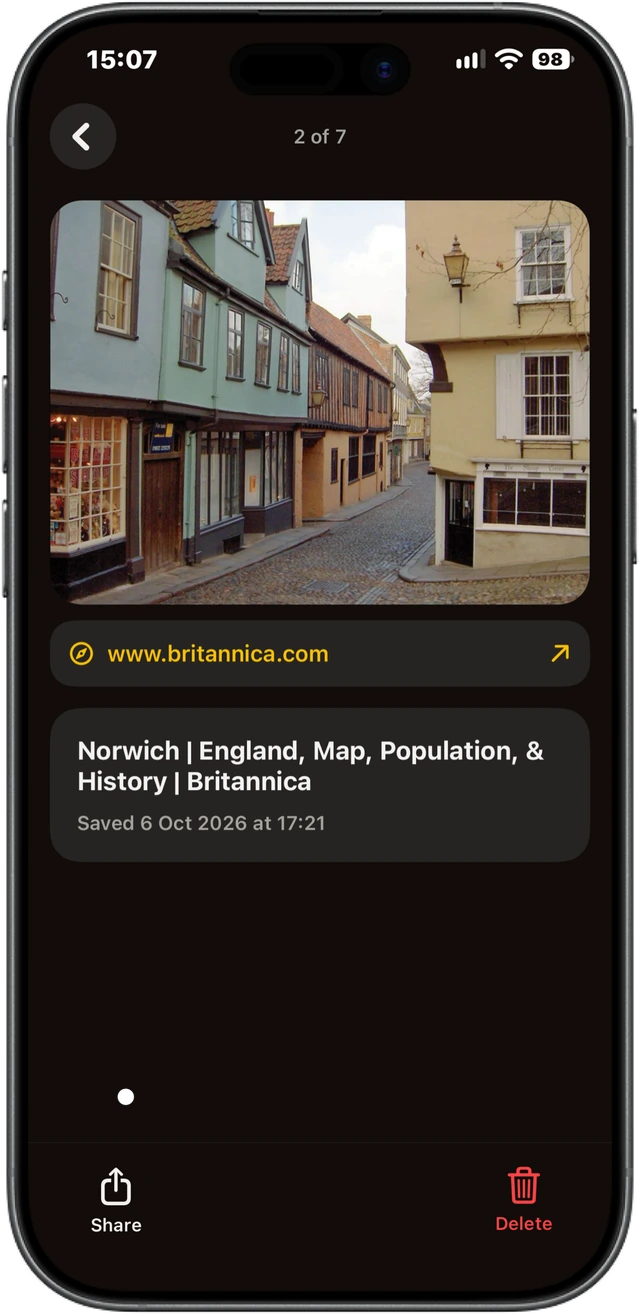
Eligible saved public links keep their source URL, so you can reopen the original when you want to go further.
External pages can change or become unavailable. Saving a link does not guarantee permanent access to its source.
Privacy, considered
Understood
on your device.
Hord uses Apple technologies for on-device content understanding. The current app has no identified advertising, third-party analytics or behavioural tracking.
Supported sync uses Apple’s private iCloud database. Public-link previews contact the relevant websites. No proprietary content-upload backend was identified in the app.
Read the privacy policySave it. Carry on. Find it later.
Make room for
what matters to you.
Need a hand? Visit Hord support.