Saved Items
Everything in one place.
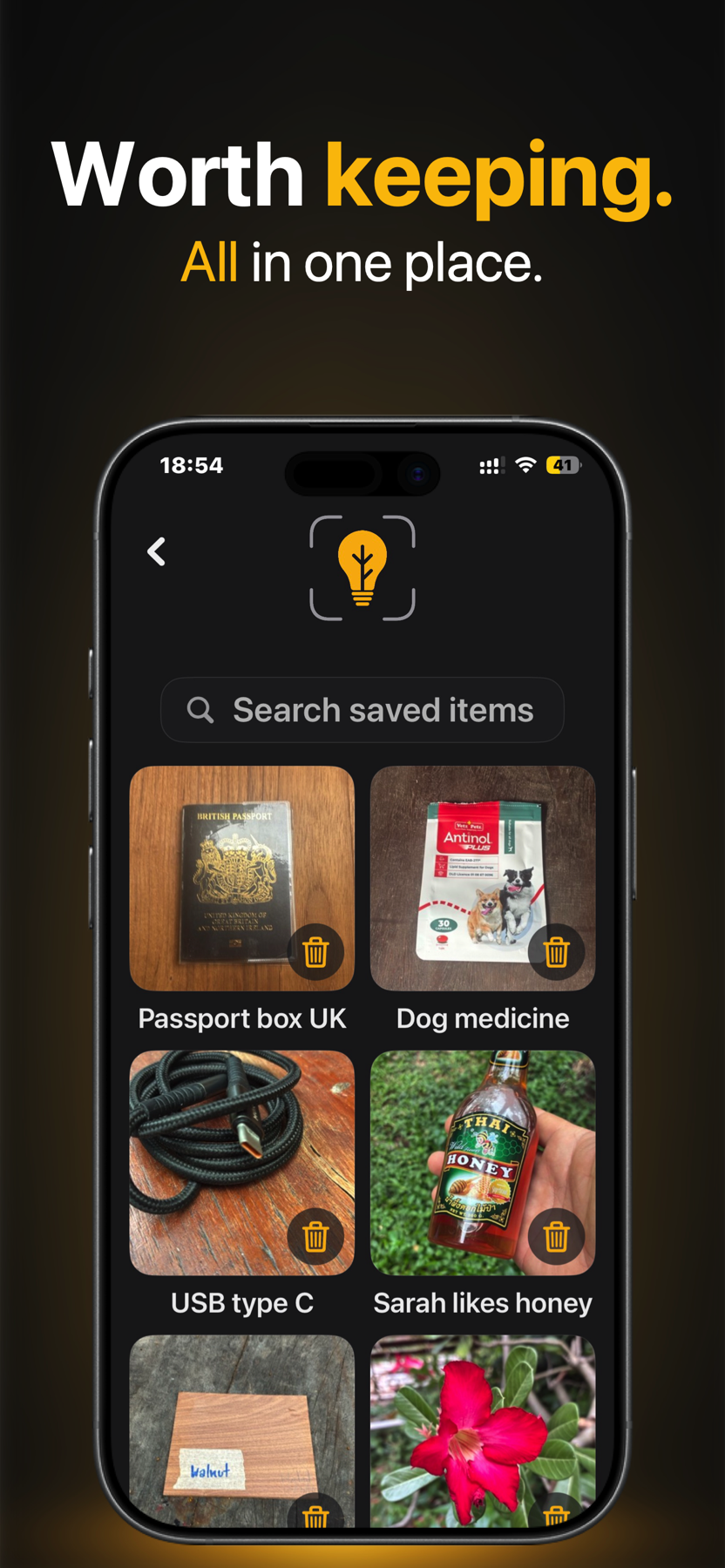
Browse and search your saved memories. Edit a description, or delete a saved item and its photo when you no longer need it.
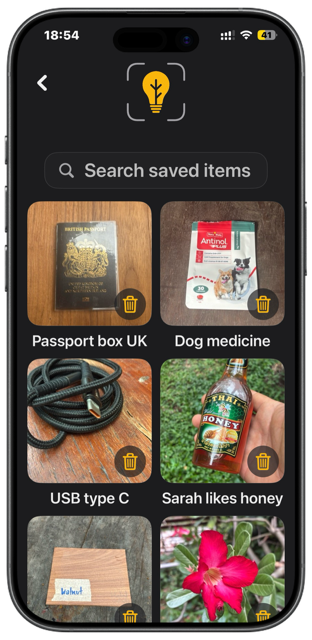

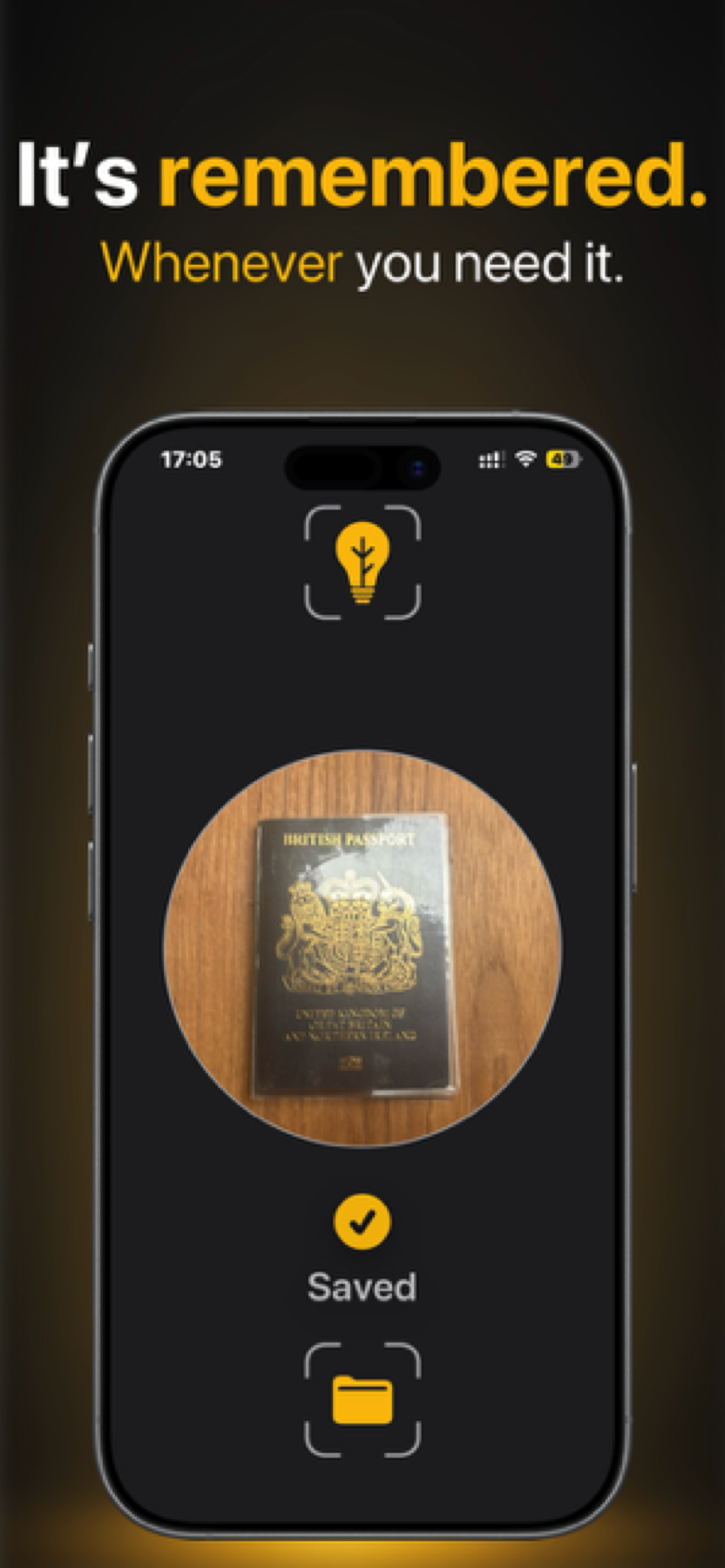
Take a photo, say why it matters, and Twigged Snap saves the memory so you can find it again by voice.
Made for iPhone and iPad. Six successful saves included.
One lifetime purchase unlocks unlimited saving.
Inside Twigged Snap
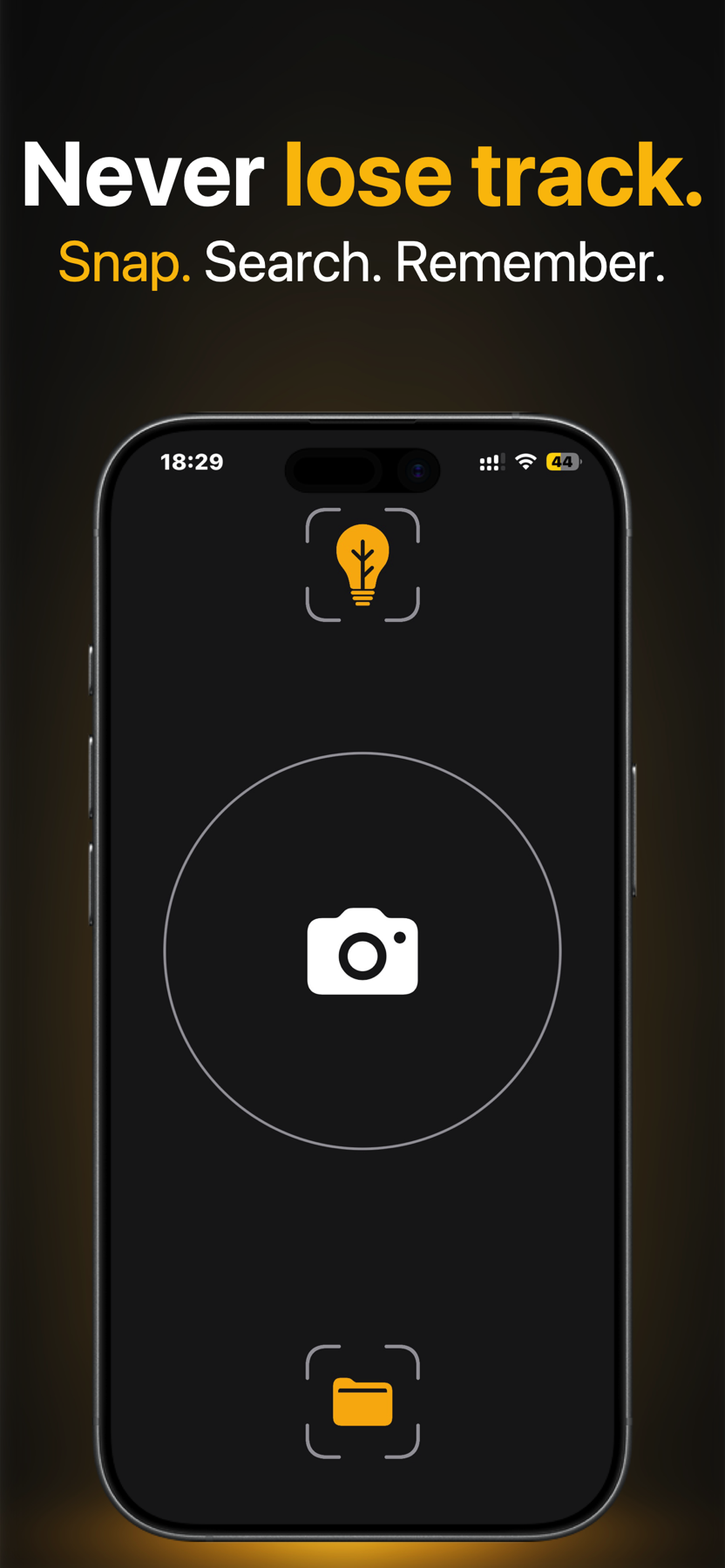
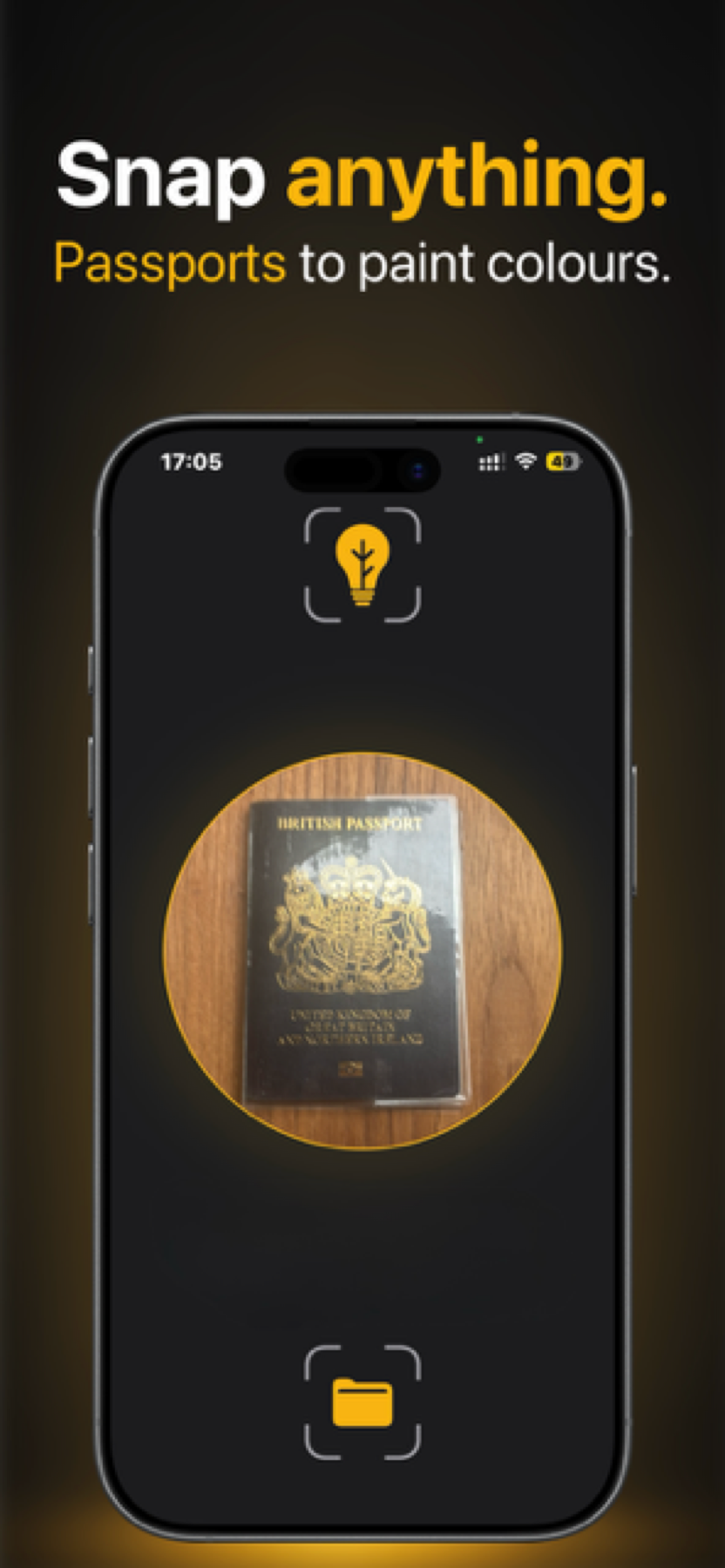
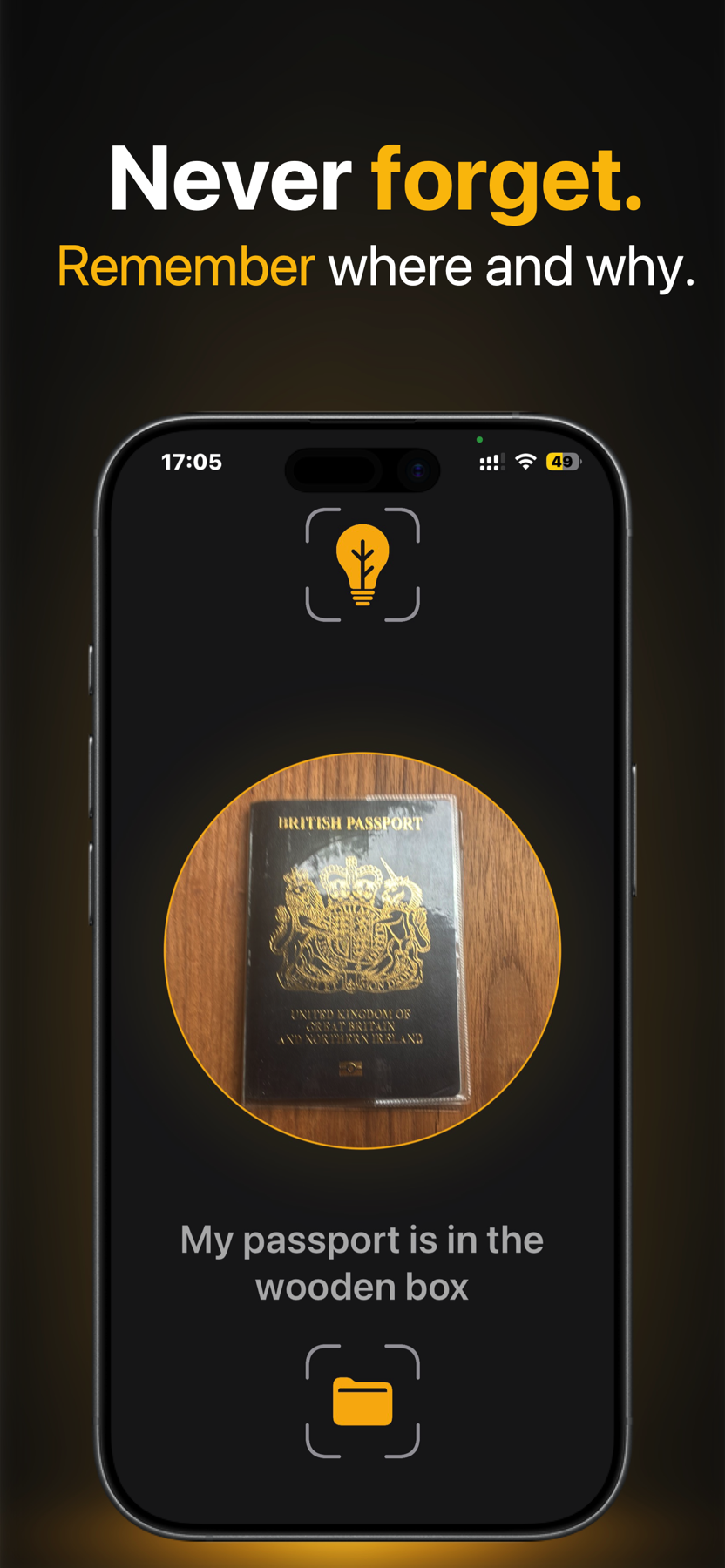
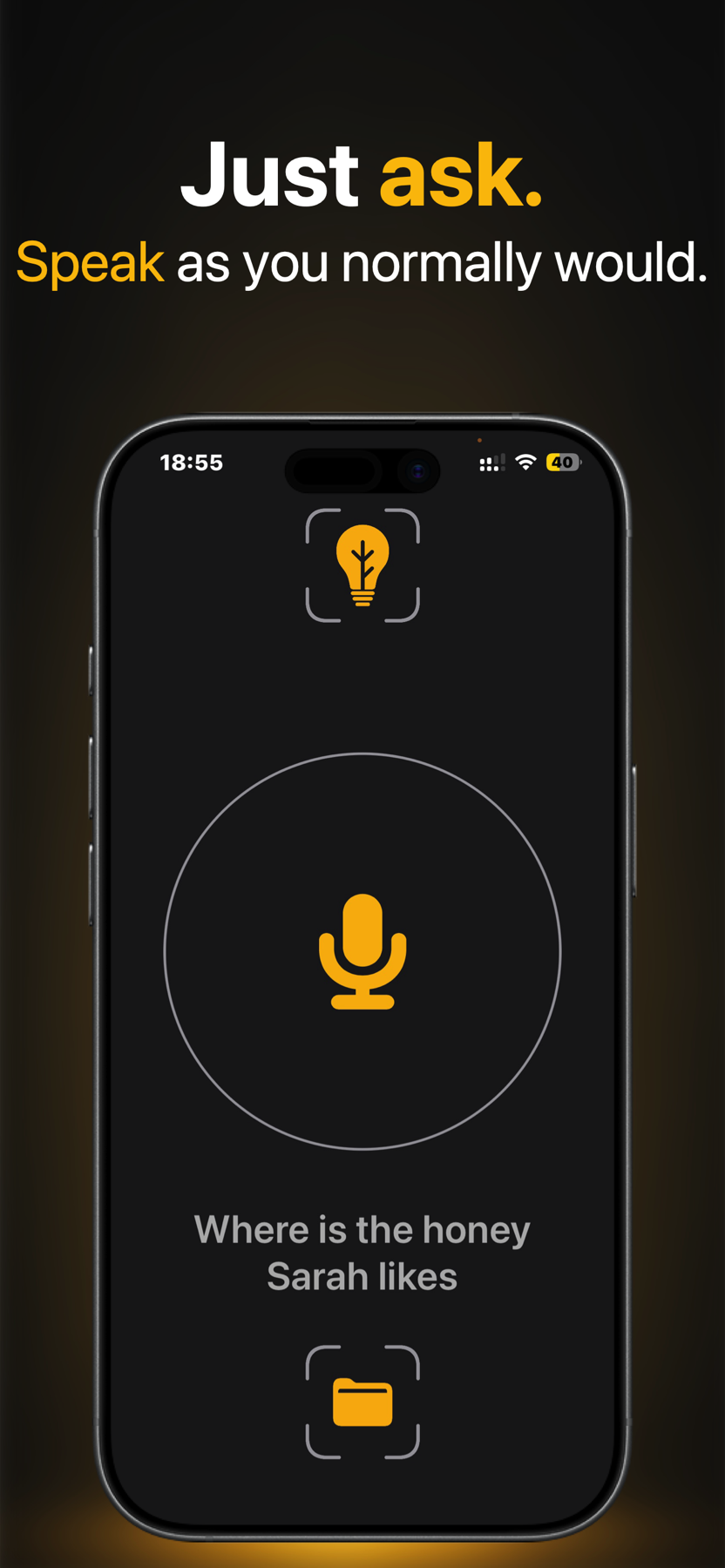
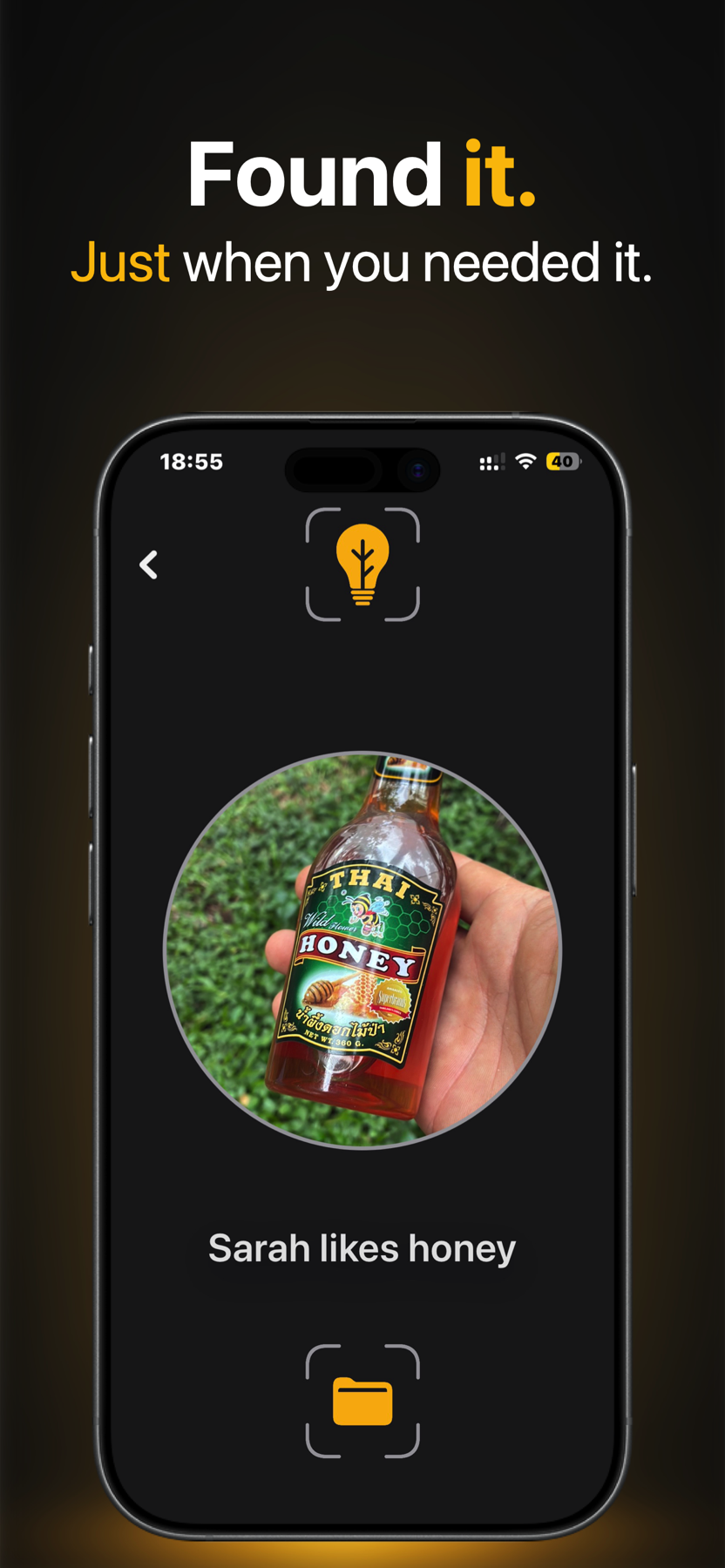
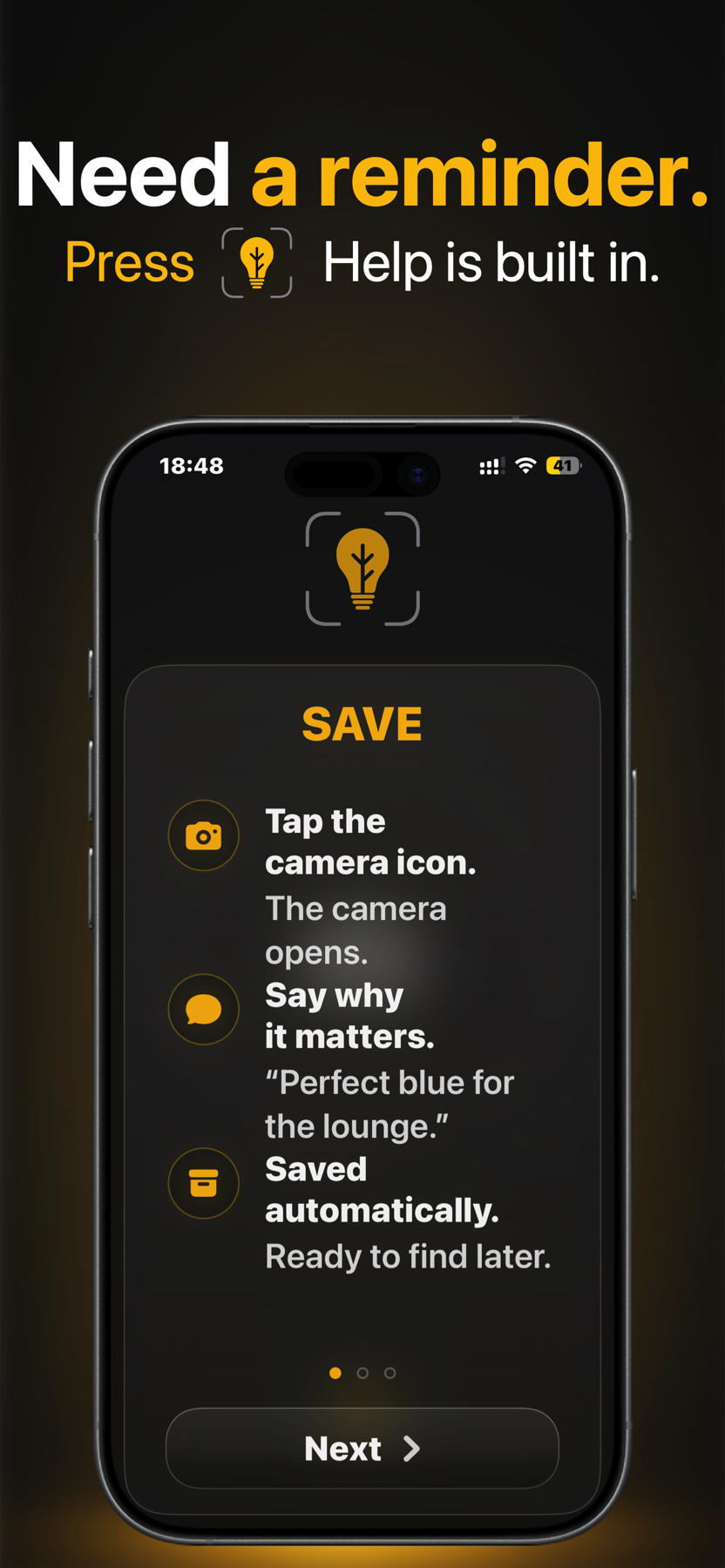
Swipe, drag, or use the arrow keys to explore.
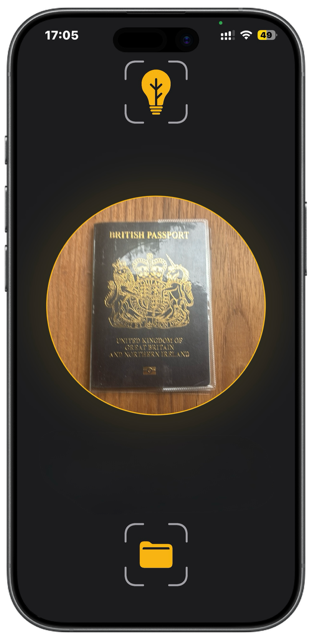
Snap
Tap the camera and photograph something you want to remember.
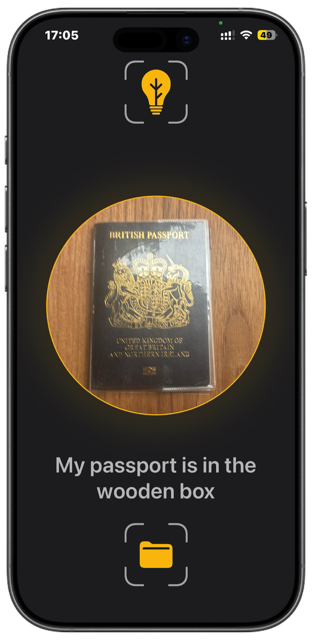
Say
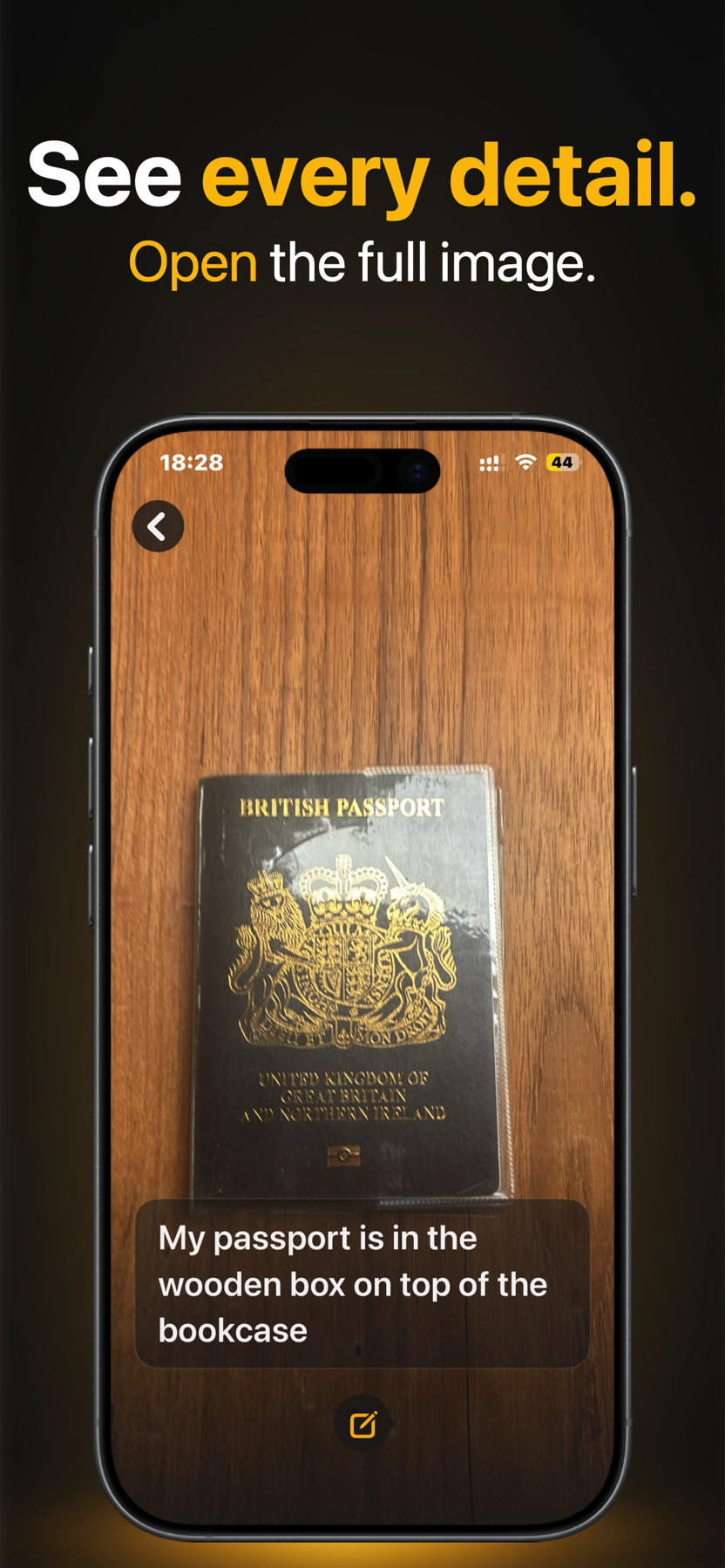
Describe why the photo matters. Twigged Snap saves your spoken memory with the photograph automatically.
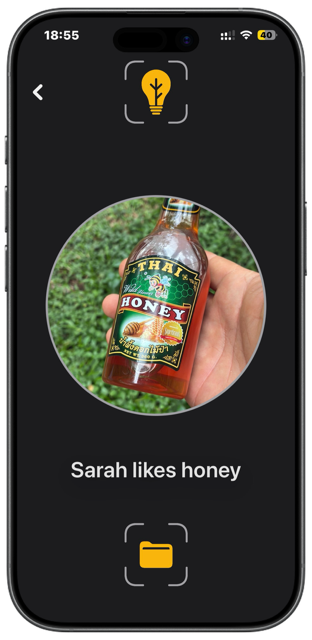
Find
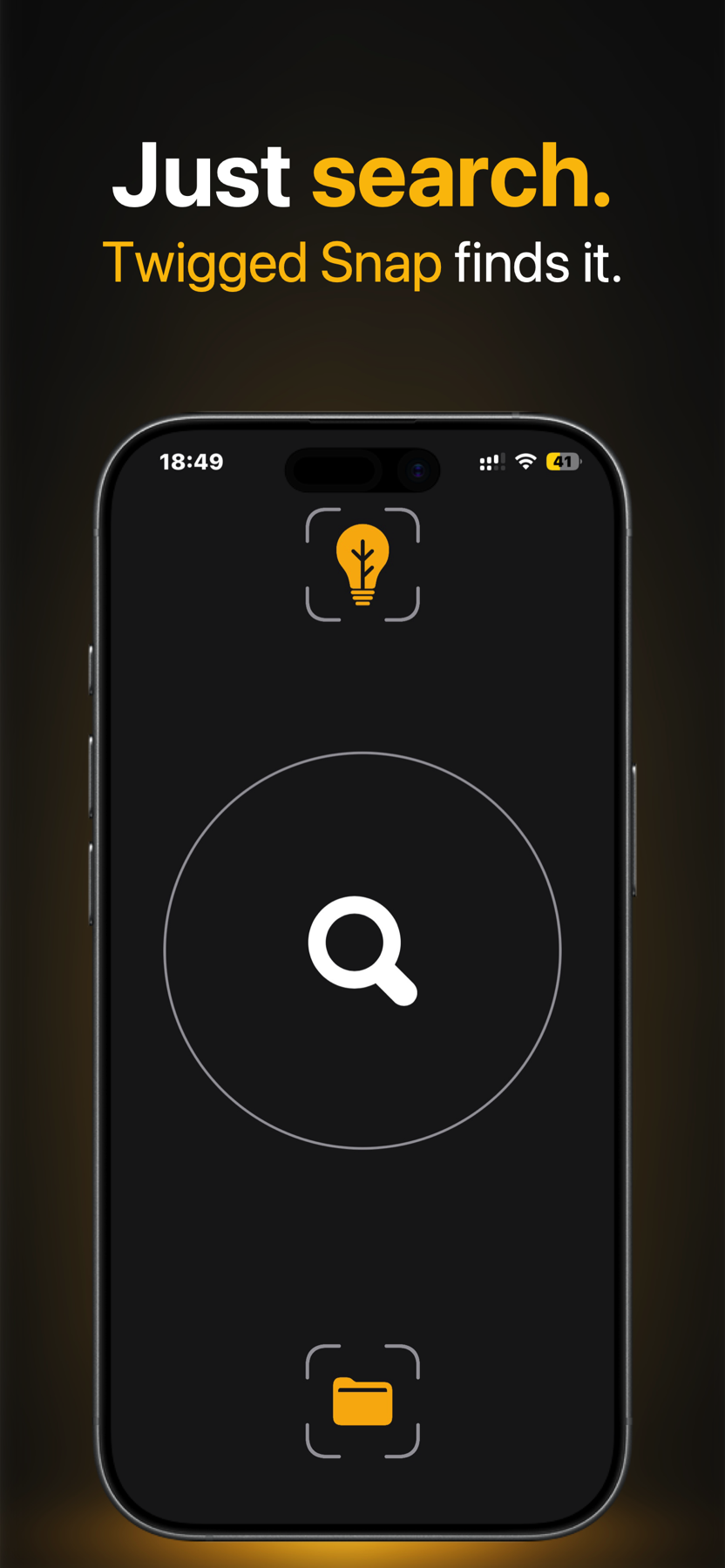
Swipe to Find, tap the magnifying glass and ask naturally. Twigged Snap shows the matching photo and memory.
More ways to remember
Saved Items
Browse and search your saved memories. Edit a description, or delete a saved item and its photo when you no longer need it.
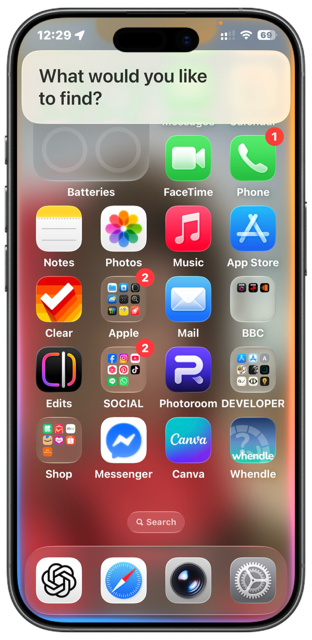
Siri and Shortcuts
Say “Siri, Twigged Snap,” then ask it to find a saved memory.
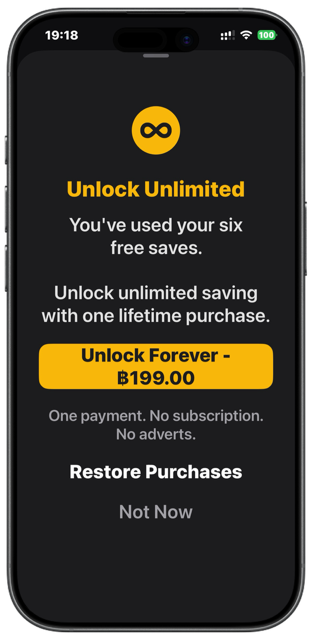
One simple purchase
Your first six successful saves are free. Unlock unlimited saving with one lifetime purchase.
Privacy
Twigged Snap does not operate an advertising network, tracking service or user-account system.
No Twigged Snap account required.
No tracking.
No advertising.
Your photos and saved memories are stored locally on your device.
MitchellMaker does not receive or store your saved memories.
Voice input is processed using Apple’s speech-recognition technology.
Purchases are handled securely by Apple.
Your saved items remain available offline.
Need help with Twigged Snap, camera or microphone permissions, or a purchase? Start here or contact the maker.
Twigged Snap includes six successful saves. Failed, misunderstood or cancelled attempts do not use a free save.
Open the Unlock Unlimited screen and select Restore Purchases. Use the same Apple Account that made the original purchase.
Photos and saved memories are held locally by Twigged Snap on your device. Deleting the app also removes its local app data from that device.